

Introduction
A cracked monitor can disrupt your daily activities and lead to significant expenses. The damage might stem from a drop, pressure event, or neglect over time. Quickly understanding how to manage this issue is crucial. This guide covers the steps to diagnose the crack, choose between repair or replacement, and establish preventative measures to safeguard your monitor.
Understanding the Causes of Cracked Monitors
Cracks in monitors typically arise from physical mishandling, contributing to visible and functional damage. Grasping the underlying causes aids in effective prevention. Common causes include:
- Accidental Drops: Handheld monitors are prone to falls, which often result in cracks.
- Excessive Pressure: Applying too much pressure during cleaning or setup can fracture the screen.
- Temperature Fluctuations: Rapid shifts or extreme temperatures can gradually damage monitors.
Recognizing these reasons will help you assess the problem’s severity and consider prevention strategies effectively.
Diagnosing the Severity of a Monitor Crack
Diagnosing the severity of a crack helps you decide whether to repair or replace. Examine both the visible damage and functional impairment:
- Visual Inspection: Identify visible cracks, lines, or discoloration.
- Functionality Check: Note any responsiveness issues or flickering.
Correct diagnosis provides a clear direction for action to restore your monitor’s functionality.

Immediate Steps to Take When Your Monitor Cracks
Once you spot a crack, swift action is vital to minimize damage. Follow these steps:
- Power Off: Shut down the monitor to avoid further harm.
- Unplug: Remove all connections to prevent electrical risks.
- Avoid Further Pressure: Refrain from touching the cracked area.
- Assess Safety Concerns: Watch for glass fragments that might cause injury.
These initial steps keep the device and user safe while preserving the monitor’s remaining functionality.
Repair vs. Replacement: Making the Right Decision
Choosing between repair and replacement hinges on factors like damage severity, cost, and the monitor’s age. Weigh your options carefully.
Cost Analysis: Repairing a Monitor
Repairing can be cost-effective for minor surface damage. It extends the monitor’s life without substantial expense. Typical repair costs include:
- Minor repairs: $50-$100
- Screen replacements: $100-$300
Evaluating Replacement Options
For severe damage or outdated monitors, replacement offers enhanced features and efficiency. Consider replacement if:
- Repair costs surpass 50% of the monitor’s current value.
- The monitor is over 5 years old.
Understanding these distinctions ensures your decision balances financial considerations with functional needs.
DIY Repair Methods: Pros and Cons
DIY repair often appears attractive due to cost savings. However, weigh the advantages and risks before proceeding.
Common DIY Techniques
- Sealants: Screen repair kits can address minor cracks.
- Screen Replacement: Guides exist for self-replacement.
Risks Involved in DIY Repairs
- Further Damage: Incorrect repairs can worsen issues.
- Warranty Risks: DIY methods may void warranties.
While DIY may address trivial problems, professional service is safer for major repairs.
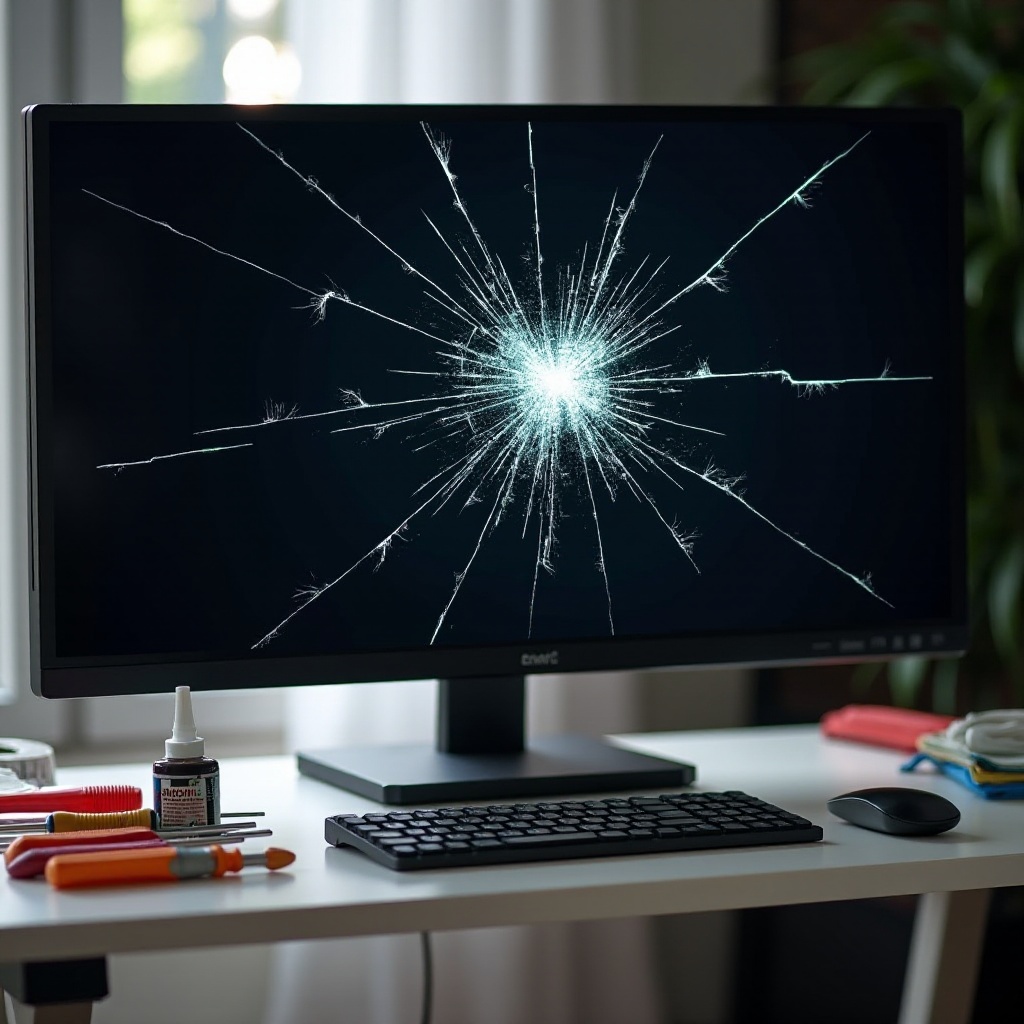
The Benefits of Professional Repair Services
Choosing professional repair ensures accurate fixes with lower risks.
How to Choose a Repair Service
Select a service considering:
- Reputation: Choose businesses with positive reviews.
- Credentials: Verify technicians are certified for your brand.
What to Expect from Professional Repairs
Professionals often provide a warranty, giving peace of mind and reliability.
Preventive Measures to Avoid Future Monitor Cracks
Preventing future cracks involves proactive care and smart setups.
Safe Handling Practices
- Sturdy Placement: Use secure surfaces, keeping monitors away from edges.
- Careful Transport: Use protective bags or cases for moving.
Recommended Accessories for Protection
- Screen Protectors: Shields against minor impact.
- Monitor Stands: Keeps monitors safe from desk hazards.
These measures significantly reduce crack risks, ensuring long-term functionality.
Conclusion
Addressing a cracked monitor promptly and effectively extends its life. By understanding the causes, making informed decisions on repairs, and implementing preventive practices, you keep your monitor in optimal condition. Whether repairing or replacing, meticulous care will secure your investment and maintain productivity.
Frequently Asked Questions
How long does a professionally repaired monitor last?
A professionally repaired monitor can last several years if the repair is thorough and preventive measures are taken.
Is it cheaper to repair or replace a cracked monitor?
Repair is typically cheaper for minor cracks, but replacement is advisable for extensive damage or older devices.
Can a cracked monitor cause further damage if left unresolved?
Yes, unresolved cracks can worsen over time, affecting the monitor’s functionality and safety. Immediate action is recommended.