
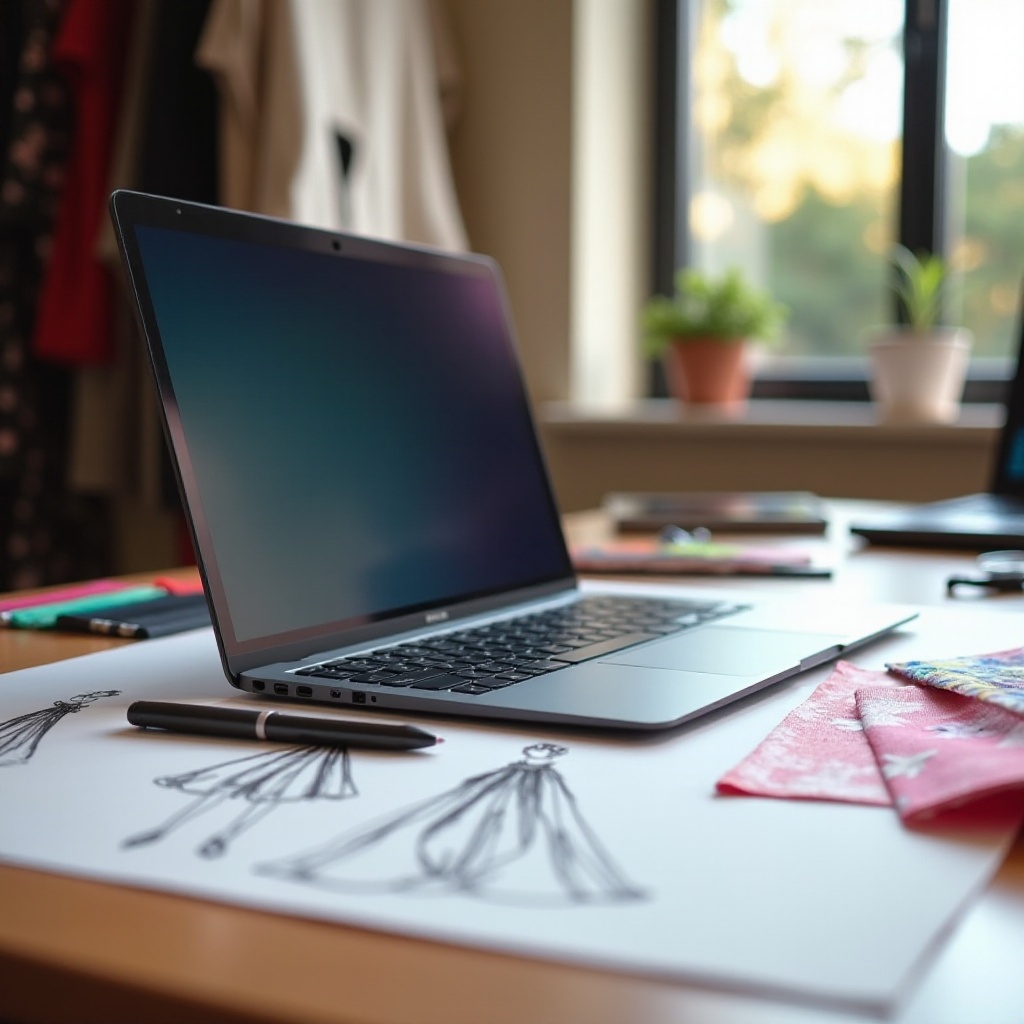
Choosing the ideal laptop is essential for fashion designers who depend on powerful technology to turn their creative ideas into reality. The right laptop enhances productivity, ensures accurate color representation, and simplifies complex design tasks. This comprehensive guide delves into the top laptop options available in 2024, focusing on key features, providing recommendations, and sharing expert insights to help you make an informed choice.
Key Features for Fashion Designers
Fashion designers require laptops that offer specific functionalities to handle demanding design applications with ease. Here are the vital features to consider:
-
Display and Color Accuracy: A high-resolution display is crucial for clarity and precision in design work. Devices with exceptional color accuracy, such as those with Retina or OLED displays, allow designers to see every detail and ensure their creative vision is realized.
-
Processing Power and Multitasking Capabilities: High-performance design software like Adobe Creative Suite demands robust processing power. Choose a laptop with a powerful CPU and ample RAM to facilitate smooth multitasking and quick rendering times, enabling efficient workflow management.
-
Portability and Design Aesthetics: Given the dynamic nature of the fashion industry, designers often need to move between studios, fashion shows, and client meetings. A lightweight, stylish laptop that is easy to carry can make a significant difference in productivity and convenience.
Top Laptop Recommendations for 2024
With numerous laptops on the market, narrowing down the best fit for a fashion designer’s needs can be overwhelming. We’ve identified top choices for 2024, focusing on crucial features and performance:
-
Best Overall: Apple MacBook Pro 16′: Equipped with the M2 chip, this laptop offers outstanding performance, a stunning Retina display, and excellent color fidelity. It’s perfect for handling large files and demanding applications, making it a favorite among professionals.
-
Best for Portability: Dell XPS 13: Known for its sleek, compact design, the Dell XPS 13 provides powerful performance in a portable package. Its virtually borderless display and lightweight frame make it ideal for designers who are frequently on the move.
-
Best Touchscreen: Microsoft Surface Laptop Studio: This device features a unique hinge that transitions seamlessly between laptop and tablet modes. With touchscreen capability and stylus support, it’s an excellent choice for sketching and intricate graphic design tasks.
-
Best Budget Option: HP Spectre x360 14: Offering remarkable value, this laptop combines productivity and versatility with its vivid display and long battery life. It’s an excellent option for designers seeking solid performance without breaking the bank.
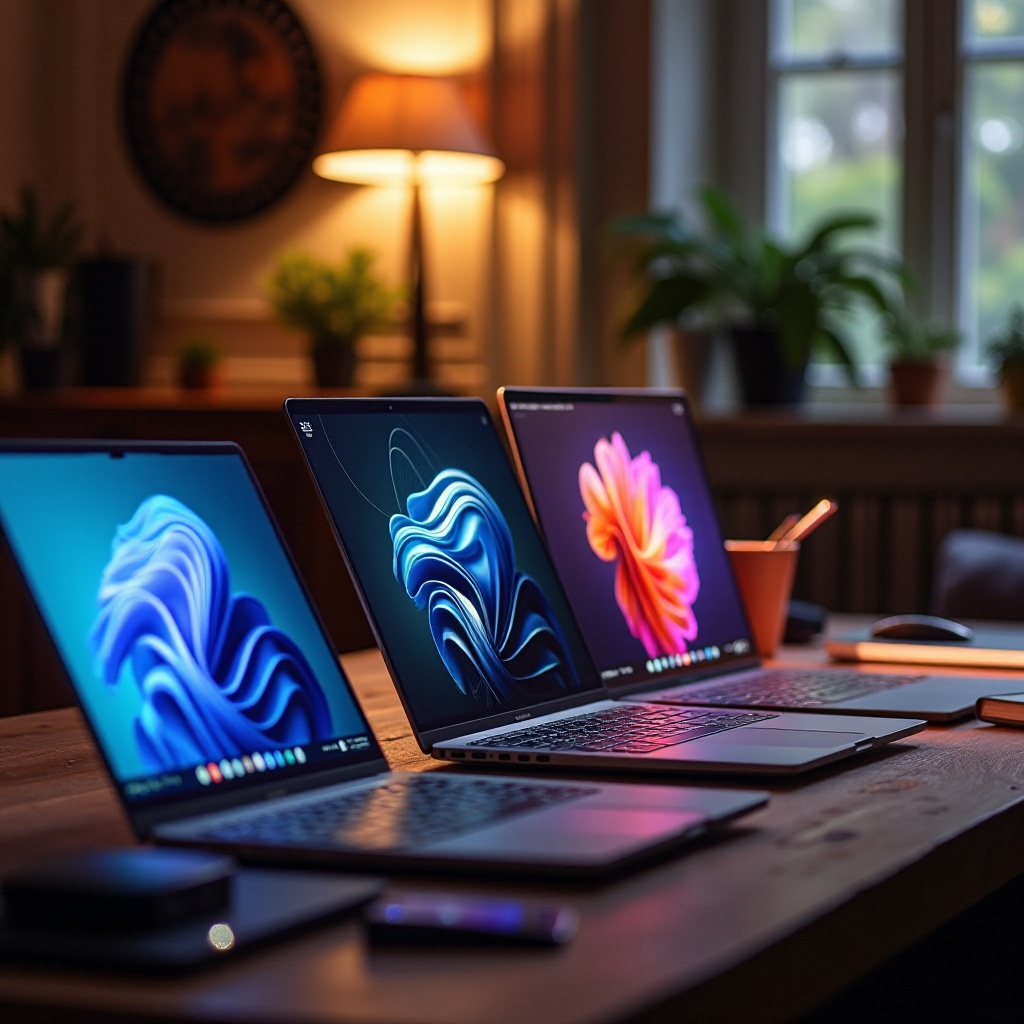
Understanding Laptop Specifications
A deeper understanding of laptop specifications helps in making an informed choice. Consider these aspects:
-
CPU and RAM Requirements: A multi-core processor and at least 16GB of RAM are recommended for efficient operation of design software, ensuring smooth multitasking and handling of complex projects.
-
Storage: SSD vs. HDD: Opt for Solid State Drives (SSD) over Hard Disk Drives (HDD) for faster performance, enhanced durability, and quicker access times, which are crucial for large design files.
-
Graphics Card Importance: A dedicated graphics card enhances performance when using design applications, ensuring smooth rendering and visual output. Integrated graphics might suffice for basic tasks, but a dedicated card is preferable for extensive graphic work.
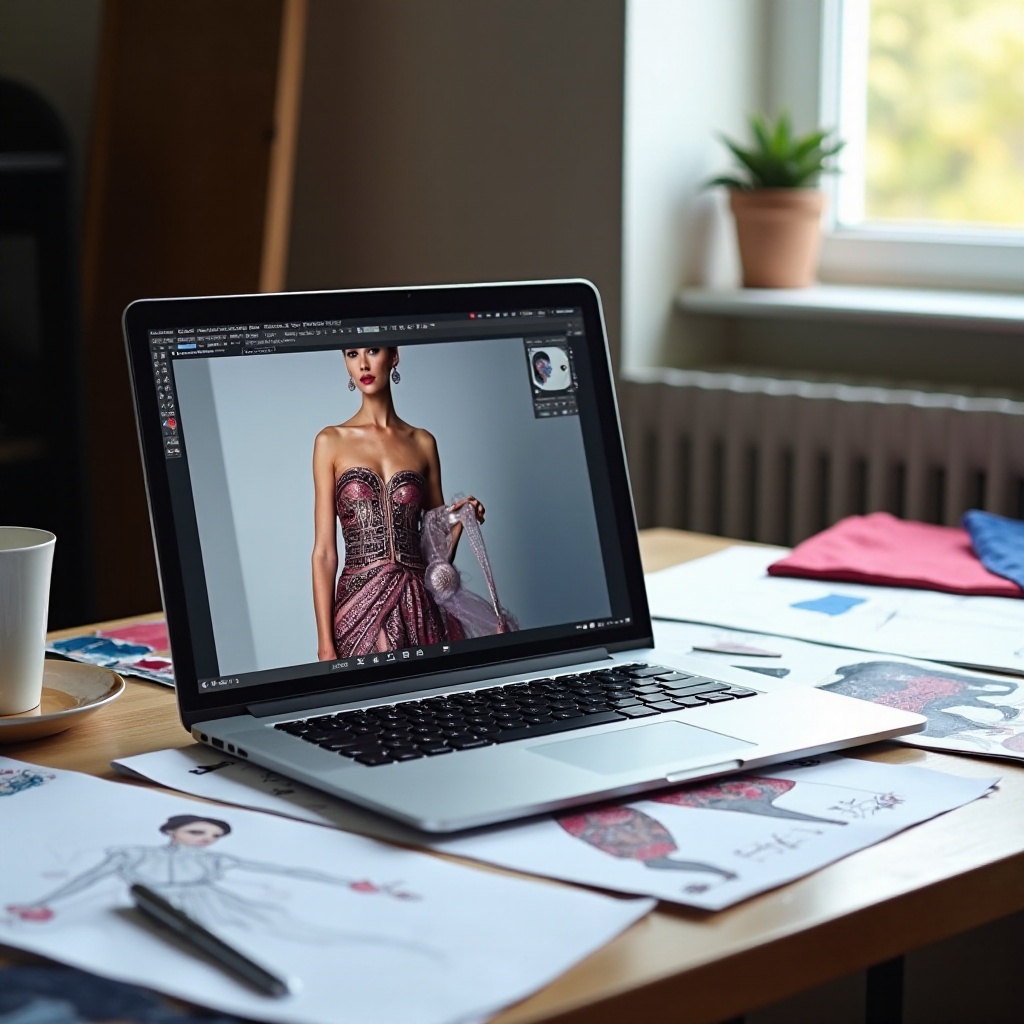
Expert Tips for Choosing the Right Laptop
Selecting the right laptop involves careful consideration of various factors. Here are expert tips to guide your decision:
-
Assessing Software Compatibility: Verify that the laptop you choose is compatible with the design software you use. Check the software’s system requirements against the laptop’s specifications to avoid compatibility issues.
-
Balancing Budget with Features: While it’s essential to remain budget-conscious, prioritize the features that are most crucial to your work. Sometimes, investing in a higher-end device pays off in terms of performance and longevity.
-
Future-Proofing Your Device: Consider potential future upgrades or increasing software demands. Choose a laptop that not only meets your immediate needs but can also accommodate evolving demands in your design practice.
Conclusion
Selecting the right laptop is a critical investment for any fashion designer, as it significantly influences the efficiency and quality of their work. By focusing on essential features such as display quality, processing power, and portability, and considering the top recommendations and expert advice provided, you can choose a device that will empower your creative process and support your professional endeavors seamlessly.
Frequently Asked Questions
What software do fashion designers commonly use on laptops?
Fashion designers often use software like Adobe Illustrator, Photoshop, and CorelDRAW for designing and rendering their work.
Is a touchscreen necessary for fashion design work?
While not essential, a touchscreen can be beneficial for directly interacting with designs, sketching, and using stylus tools.
How much RAM is recommended for design applications?
It’s advisable to have at least 16GB of RAM to run design applications smoothly and support efficient multitasking.