
Introduction
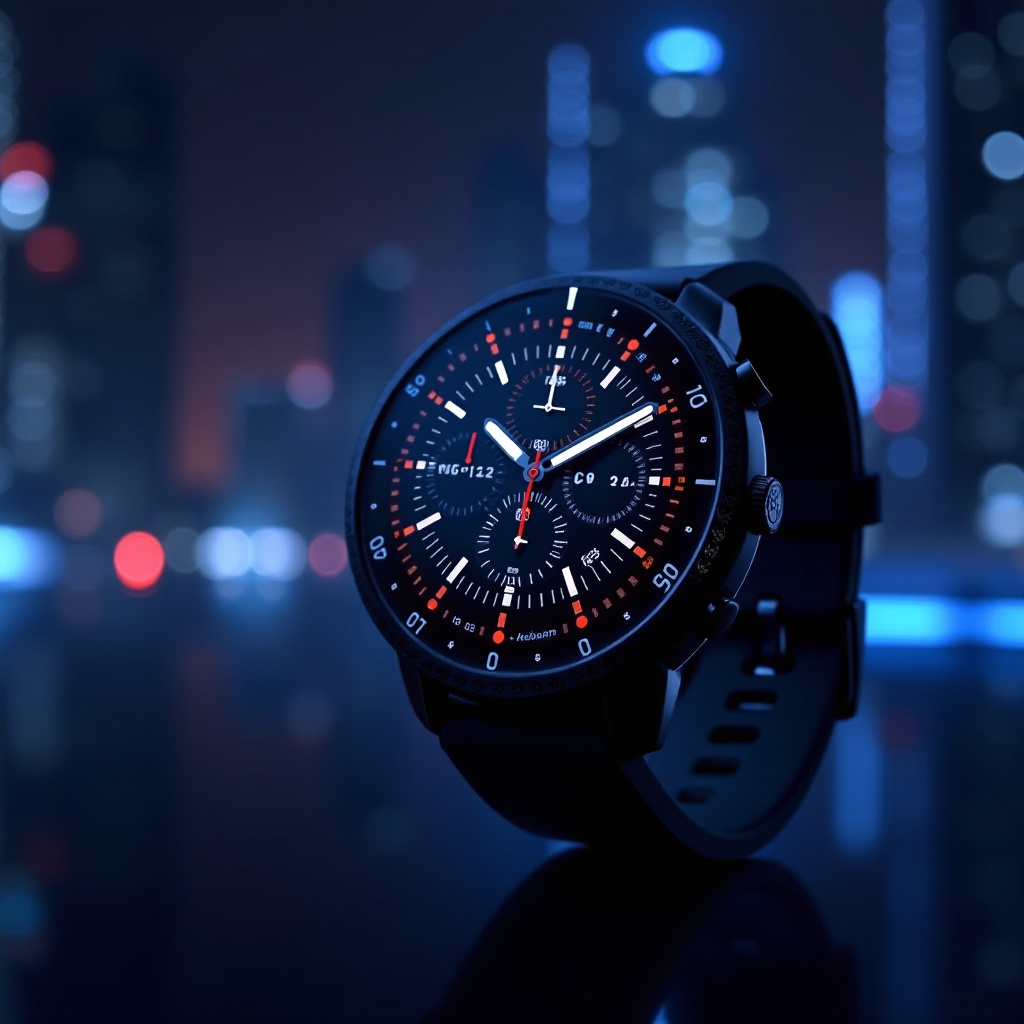
The Galaxy Watch Ultra stands out for its versatile features and advanced capabilities. One way to make the most of your smartwatch is by customizing the watch face. Selecting the right watch face can enhance its appearance and improve its functionality. A personalized watch face ensures your device feels unique and tailored to your lifestyle. Let’s explore why personalizing your watch face is beneficial and how to select the best options for 2024.
Why Customize Your Galaxy Watch Ultra?
Customizing your watch face is not just about aesthetics; it’s about optimizing how you interact with your device. Personalizing your watch face allows you to:
- Tailor the display to show information that’s most crucial to you.
- Improve device usability and quick access to essential functions.
- Reflect your personal style, making the watch truly yours.
By customizing, the watch becomes a reflection of both functionality and personal taste. Now that we understand why it’s essential, let’s delve into the criteria for selecting the best watch faces.
Criteria for Selecting the Best Watch Faces
When selecting a watch face, consider the following aspects:
- Visual Appeal: Choose designs that resonate with your personal style, whether minimalist or intricate.
- Functionality: Opt for faces that provide easy access to key information, from time and date to weather updates.
- Customization Flexibility: The best faces allow adjustments in colors, widgets, and information displays.
- Battery Efficiency: Some faces are more power-intensive than others, so choose wisely to maintain battery life.
These criteria ensure you select a face that enhances both the function and form of your watch. With these elements in mind, let’s look at some of the best digital and analog options available this year.
Top Digital Watch Faces for Galaxy Watch Ultra
Digital watch faces provide a modern look suited for a tech-savvy lifestyle. Here are a few must-haves:
Face 1: Neon Tech
– Features: Bright, customizable layout with digital time and dynamic widgets.
– Benefits: Perfect for those who love a futuristic style packed with information and utility.
Face 2: Pure Minimal
– Features: Clean design with large, easy-to-read numerals.
– Benefits: Ideal for users who appreciate simplicity without sacrificing essential information.
Face 3: Fitness Focus
– Features: Displays health metrics like calories burned and heart rate.
– Benefits: Designed for fitness enthusiasts needing real-time data on their wrist.
These digital faces combine contemporary aesthetics with practical features. The next step is to examine the possibilities offered by analog designs.
Top Analog Watch Faces for Galaxy Watch Ultra
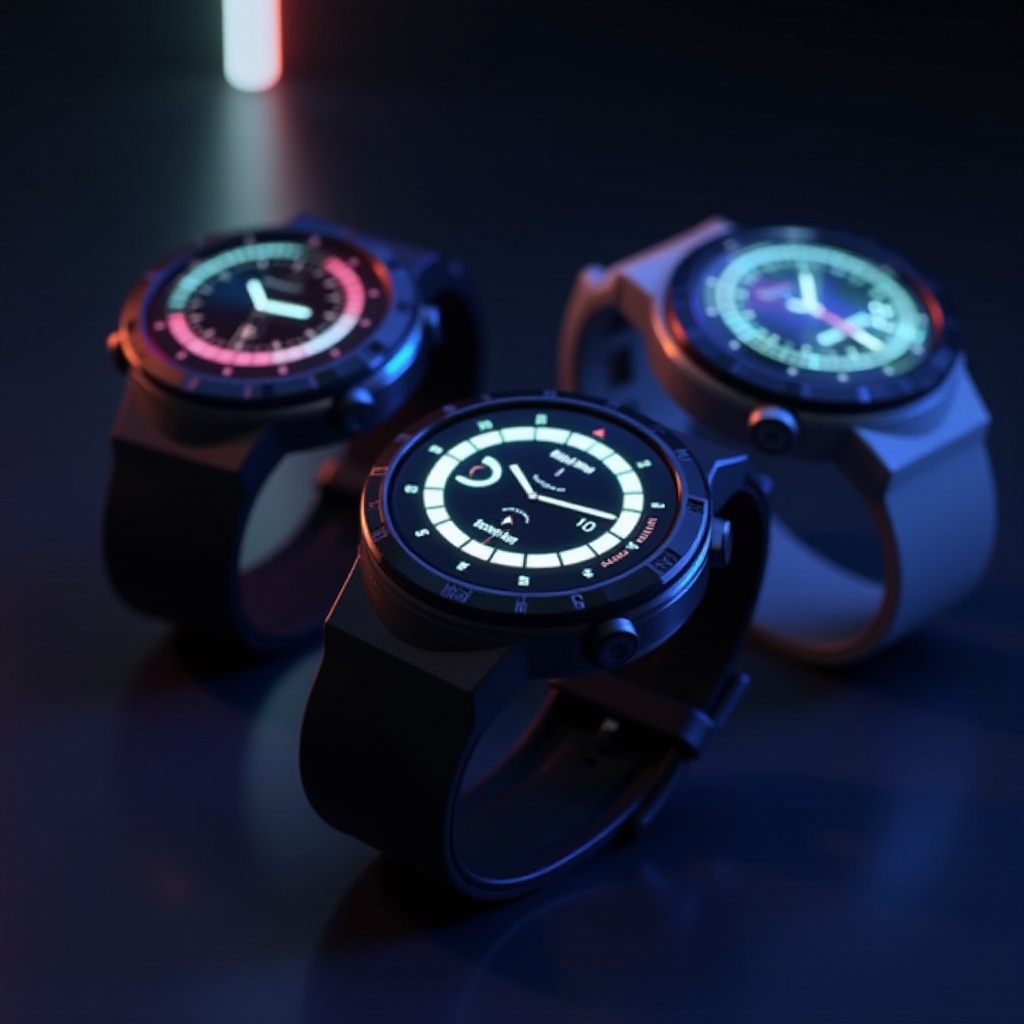
Analog watch faces bring a classic feel to modern technology, offering elegance alongside advanced functionalities:
Face 1: Chic Classic
– Features: Timeless design with customizable sub-dials for date and additional time zones.
– Benefits: Elegant and sophisticated, suitable for any professional setting.
Face 2: Retro Charm
– Features: Nostalgic look with simple analog hands and subtle enhancements.
– Benefits: Perfect for those who love the charm of yesteryear combined with today’s tech.
Face 3: Sporty Timer
– Features: Features stopwatch and timer for athletic activities.
– Benefits: Designed for outdoor adventurers who value both style and sport function.
Analog faces offer something for everyone, blending traditional design with the Ultra’s capabilities. Now, we will cover how to install and customize these faces effectively.
How to Install and Customize Watch Faces
Here’s how to install new watch faces:
- Find Your Face: In the Galaxy Wearable app, browse the available watch faces and download your favorites.
- Install It: Select your desired watch face and tap to implement it on your device.
- Adjust and Personalize: Use app settings to tweak elements like color and widgets, ensuring the watch face serves your needs.
Installation is simple and straightforward, but optimization is key to fully leveraging your watch face. Next, let’s explore tips for achieving the best overall experience.
Tips for Optimizing Your Watch Face Experience
For maximum satisfaction from your watch face, consider these tips:
- Keep It Current: Regularly update your watch faces to enjoy the latest features and improvements.
- Light Versus Dark: Consider using lighter themes to conserve battery life and reduce strain.
- Prioritize Widgets: Choose widgets that offer the most immediate value, ensuring your watch is as informative as it is stylish.
By following these guidelines, you can ensure your watch is personalized to your lifestyle while maintaining optimal performance.
Conclusion
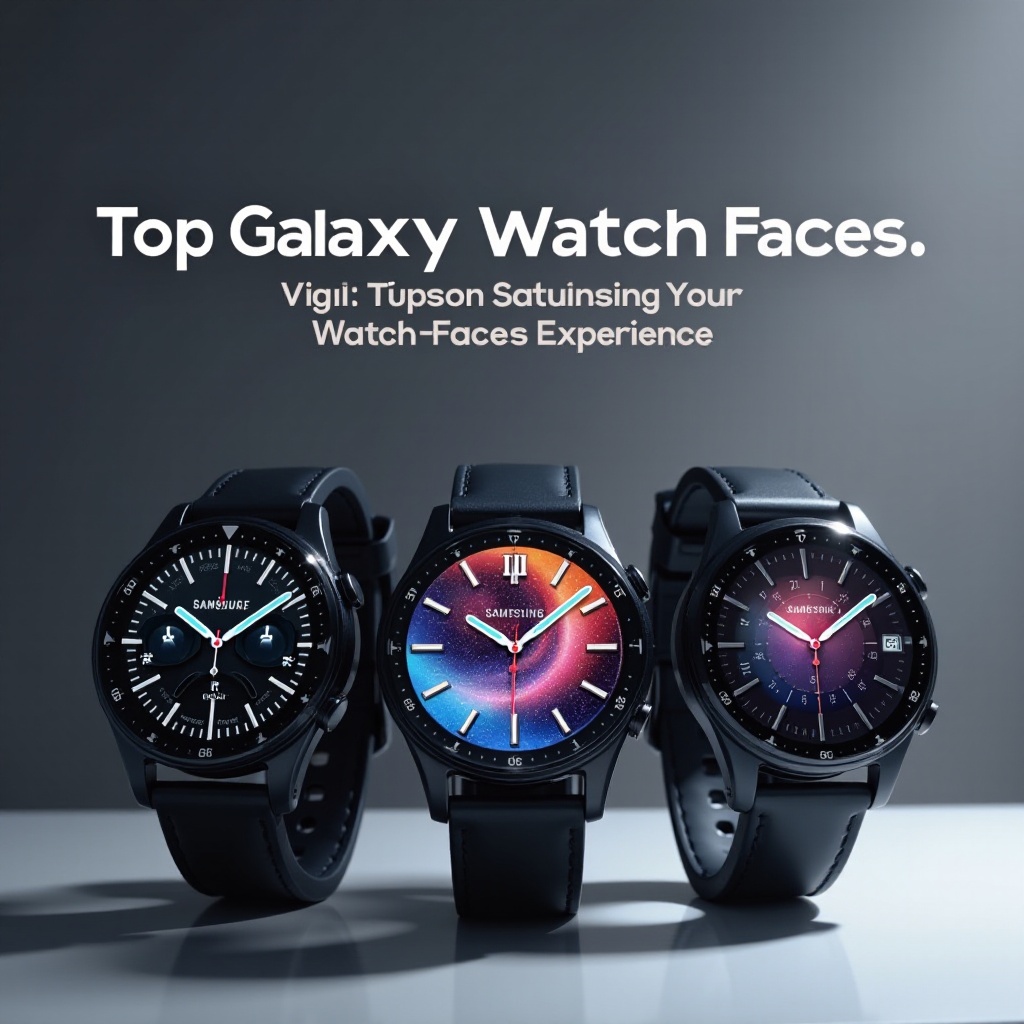
The Galaxy Watch Ultra becomes significantly more impactful with personalized watch faces. Whether you’re drawn to sleek digital styles or prefer traditional analog designs, there’s a watch face that speaks to your unique needs. The options you choose will keep your device efficient, user-friendly, and as stylish as it is useful.
Frequently Asked Questions
How do I change the watch face on my Galaxy Watch Ultra?
To change the watch face, press and hold the current display, swipe left or right to select a new face, and tap to set it.
Can I create my own watch face for the Galaxy Watch Ultra?
Yes, third-party apps and design services allow you to create custom watch faces tailored to your preferences.
Do different watch faces affect battery life?
Yes, watch faces with complex widgets and bright themes may consume more battery compared to simpler styles.