

Introduction
Finding the right laptop can dramatically improve the daily experiences of disabled users. Devices equipped with accessibility features offer independence and ease of use. This guide explores essential features and top laptop recommendations for disabled users in 2024.
Understanding the Needs of Disabled Users
Disabled users face unique challenges when interacting with technology. Understanding these needs helps in selecting the best laptop.
Visual Impairments and Related Requirements
People with visual impairments benefit from laptops featuring high-contrast displays and screen readers. Tools like screen magnification and voice navigation significantly enhance user experience, making technology both accessible and efficient.
Hearing Impairments and Accessibility Features
For hearing-impaired users, laptops supporting closed captioning and visual notifications are essential. Compatible devices that integrate with hearing aids ensure important information isn’t missed during everyday activities.
Mobility and Cognitive Disabilities
Mobility impairments call for laptops equipped with alternative input devices such as voice recognition, touchscreens, or eye-tracking technology. Those with cognitive disabilities might need simpler interfaces with customizable settings to ease cognitive load.
Addressing these diverse needs often involves a combination of hardware and software solutions. By doing so, manufacturers can significantly enhance device usability and user satisfaction.
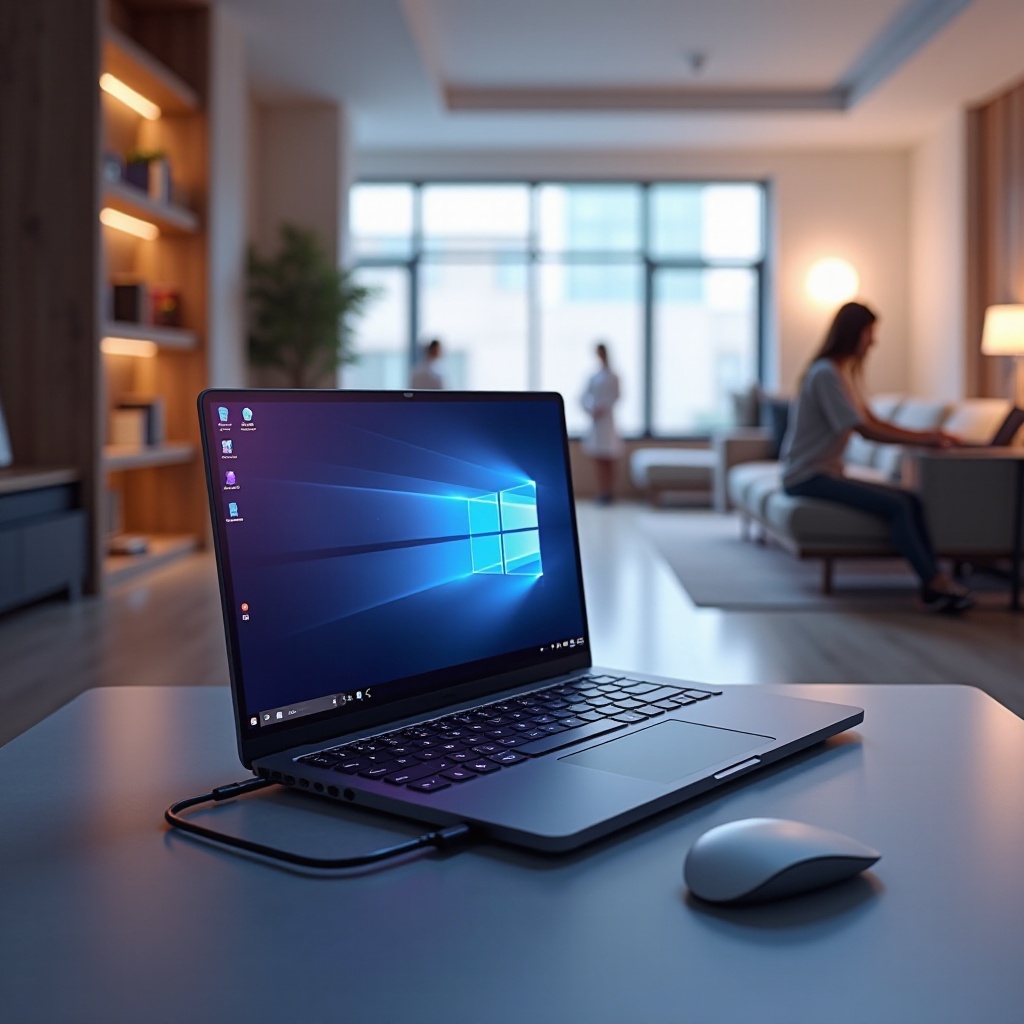
Essential Features to Consider in Laptops
Selecting a laptop involves considering key features that boost accessibility.
Display and Screen Customization
Laptops should offer adjustable display settings, including high-contrast modes, customizable font sizes, and screen magnifiers. These settings help users with visual impairments reduce eye strain and improve readability.
Voice Recognition and Speech-to-Text
Voice recognition technology, such as speech-to-text software, can be invaluable. It allows hands-free navigation and converts spoken words into text, essential for users with mobility challenges.
Alternative Input Devices
Seek laptops that support diverse input options. Models with touchscreens, stylus input, and eye-tracking technology cater to users with varying mobility, allowing a more individualized device interaction.
Prioritizing these features enables users to optimize their interactions and computing experience.
Top Laptops for Disabled Users in 2024
Matching user needs with available technology is crucial when choosing a laptop. Here are the top recommendations:
Apple MacBook Pro
Known for its powerful performance, the MacBook Pro includes exceptional accessibility features like VoiceOver, Zoom, and extensive keyboard shortcuts, making it highly usable for those with disabilities.
Microsoft Surface Pro
This device offers flexibility with its detachable keyboard, portable design, and advanced features like Narrator and eye control, supported by many third-party apps.
Dell XPS 13
Dell offers a compact yet powerful option with the XPS 13, known for its display quality and assistive technology compatibility.
Lenovo ThinkPad X1 Carbon
Renowned for durability, the ThinkPad X1 Carbon is ideal for both personal and professional use. Its robust keyboard and excellent support for assistive tools make it an excellent choice for disabled users.
These options provide a range of features to cater to specific accessibility requirements, fostering an inclusive computing environment.

Additional Accessibility Tools and Software
In addition to selecting suitable hardware, software tools can further enhance a laptop’s accessibility.
Screen Readers
Programs like JAWS and NVDA are designed to read on-screen content aloud, crucial for visually impaired users navigating the digital world effectively.
Speech Recognition Software
Tools like Dragon NaturallySpeaking convert speech to text, providing streamlined task management for users who find typing challenging.
Screen Magnifiers
A program like ZoomText provides screen magnification, allowing users with low vision to customize their view for enhanced clarity.
Utilizing these software options can significantly augment a laptop’s native accessibility features.
Setting Up Your Laptop for Maximum Accessibility
Configuring a laptop with available accessibility settings is straightforward and enhances usability.
Windows Accessibility Features
In Windows, navigate to the Ease of Access settings to adjust visual and audio alerts, use Narrator, and customize keyboard functions. Windows provides robust tools to support diverse needs.
macOS Accessibility Settings
In macOS, found under System Preferences are features like VoiceOver, screen magnification, and voice commands, all integrated to enhance usability across Apple’s ecosystem.
ChromeOS Accessibility Options
ChromeOS offers settings such as screen magnifiers, spoken feedback, and high-contrast modes, making it suitable for users who prioritize simplicity and efficiency.
Setting and customizing these features ensures that users can optimize their laptops according to their needs, maximizing both productivity and comfort.
Conclusion
Selecting the perfect laptop hinges on understanding specific user needs and available technology. By focusing on essential features and leveraging supportive tools, users can achieve a computing experience that is both empowering and barrier-free.
Frequently Asked Questions
What are the most important features to look for in a laptop for disabled users?
Key features include customizable displays, voice recognition, and support for alternative input devices.
Can third-party software enhance my laptop’s accessibility?
Yes, programs like screen readers and speech recognition software provide additional support beyond built-in features.
How frequently should I update my laptop’s accessibility settings?
Regularly check for updates to ensure software is current and settings remain optimized for your needs.