
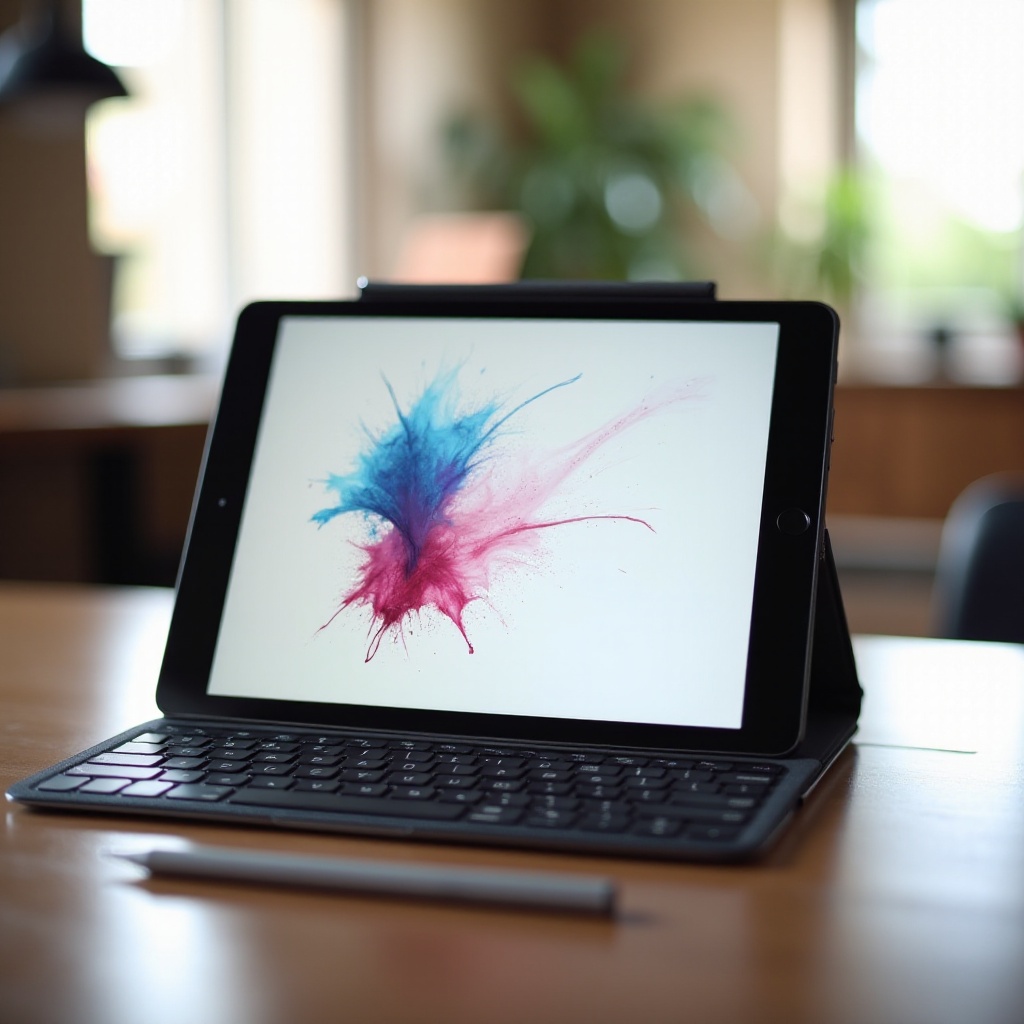
Introduction
Finding the right iPad for note-taking can transform how you record ideas and organize thoughts. With many models available, identifying the best Apple iPad for note taking in 2024 requires understanding features that enhance digital notes. This article explores the essential characteristics to consider, recommending top iPads and suitable apps for efficient note-taking.
Key Features to Consider When Choosing an iPad
When selecting an iPad for note-taking, several critical features should guide your decision:
- Display Quality and Size: An iPad with a high-resolution display provides clarity and detail essential for handwritten notes and sketches. Larger screens offer more space for creative expression.
- Processor Performance and Speed: A strong processor ensures efficient performance when multitasking across note-taking apps. Opt for models with the latest chip technology for seamless operations.
- Apple Pencil Compatibility and Usability: The Apple Pencil elevates note-taking capabilities, offering precision in writing and drawing. Choose iPads with solid Apple Pencil integration for optimal experience.
- Battery Life and Portability: Select an iPad with extended battery life to power through intensive note-taking sessions. Portability is crucial; compact models are easier to carry.
These elements are crucial in identifying the right iPad model for your specific note-taking requirements. With these essentials in mind, let’s explore the best iPads captivating note-takers today.
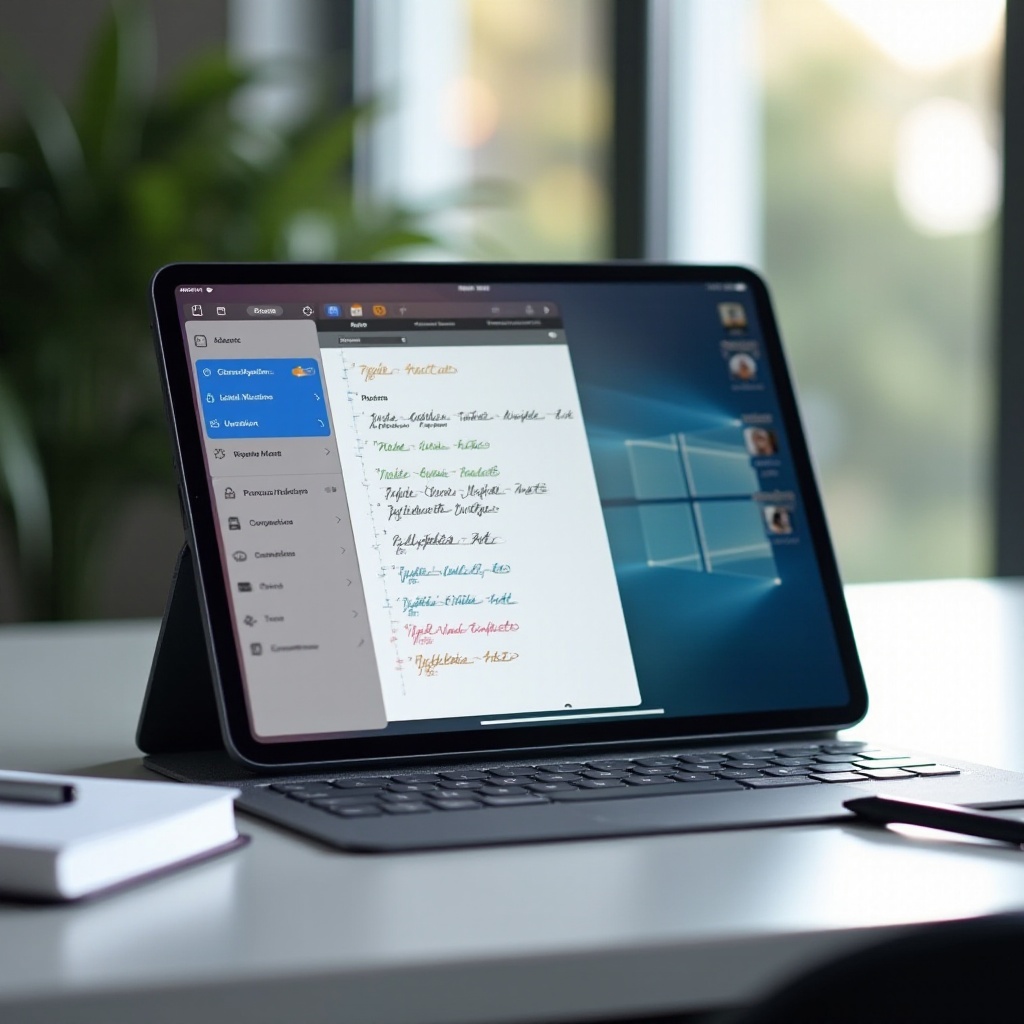
Top Recommended iPads for Note-Taking in 2024
Here’s a closer look at standout iPad models for note-taking in 2024:
- iPad Pro (2024): Equipped with an advanced chip, the iPad Pro delivers peak performance. Its large Liquid Retina XDR display is ideal for detailed notes and sketches, providing unmatched clarity and brightness.
- iPad Air (5th Generation): The iPad Air combines power and affordability, offering excellent note-taking capabilities. Its portability and stunning display make it perfect for students and professionals on the go.
- iPad Mini: The compact and lightweight iPad Mini is an exceptional portable notebook solution. Despite its size, it offers features like Apple Pencil support and robust processing speed.
These options cater to various needs, striking a balance of performance, dimensions, and features, effectively serving casual and professional note-takers.
Best Note-Taking Apps for iPad
Maximize your iPad note-taking experience by selecting the right apps:
- GoodNotes: Favored for its intuitive writing feel. It’s perfect for students and professionals, offering convenient organizational tools.
- Notability: Ideal for capturing notes in text, audio, or visuals—Notability provides comprehensive note management for busy individuals.
- Apple Notes: For simple note-taking needs, Apple Notes gives seamless sync across devices.
These applications, paired with your chosen iPad, offer robust solutions enhancing productivity and creativity.
User Experience and Case Studies
Real user experiences offer practical insights into leveraging iPads for note-taking:
- Student Use: Students utilize iPads to enhance study sessions, often replacing heavy textbooks with digital resources and boosting retention through interactive apps.
- Professional Applications: In professional environments, iPads are used for formal meetings and creative brainstorming, adaptable across industries to suit specific needs.
These scenarios demonstrate the versatility and effectiveness of iPads as note-taking tools, reflected in the academic and professional achievements of their users.
Enhancing the iPad Note-Taking Experience with Accessories
Accessories can significantly elevate iPad note-taking capabilities. Consider these options:
- The Apple Pencil: Enhances precision in handwritten notes and sketches, an essential tool for those seeking refined digital note-taking.
- Keyboards and Add-ons: An external keyboard boosts typing efficiency, while other accessories like folio covers and screen protectors improve usability and protection.
These complements transform your iPad into a versatile digital notebook, enriching your note-taking experience.
Conclusion
Choosing the best Apple iPad for note-taking depends on individual needs, whether you’re an ambitious student or a productive professional. By considering the features, models, and apps discussed, you’ll make an informed choice to enhance your note-taking activities in 2024.
Frequently Asked Questions
What is the Best iPad for Note-Taking and Drawing in 2024?
The iPad Pro (2024) is highly recommended because of its performance and display quality, delivering an excellent experience for both note-taking and drawing tasks.
Can I Use an Older iPad Model for Note-Taking?
Yes, older models can be effective for note-taking if they support the Apple Pencil. However, they may lack modern features and processing power.
How Does the Apple Pencil Enhance the Note-Taking Experience?
The Apple Pencil provides superior precision and responsiveness, creating a natural writing flow akin to traditional paper, ideal for detailed notes and creative tasks.