
Introduction
Dealing with an iPhone that won’t charge can be frustrating, especially when you’re reliant on your device for daily connectivity. Whether it’s during the middle of a busy day or when you’re gearing up for an important event, encountering charging problems can be a significant disruption. This guide is crafted to walk you through resolving issues when your iPhone wire isn’t charging as it should. By understanding the root causes, you can apply the right fixes and preventive tactics to keep your iPhone operational and ready for anything.
Common Causes for iPhone Charging Problems
Pinpointing why your iPhone’s charging wire might not be effective is crucial for finding a practical solution. Several typical issues might be at work:
- Damaged Charging Accessories: Over time, your charging cable or adapter might suffer physical damage, potentially halting the charging process. Regular wear, internal frays, or kinks often disrupt electric flow.
- Faulty Charging Port: A buildup of dust, lint, or debris in the charging port can thwart a proper connection between the cable and your device.
- Software Glitches: iOS software bugs occasionally interfere with charging. Faulty software might lead to charging inefficiencies.
- Power Source Issues: Sometimes, the fault lies not in the phone or charger but within the power source itself, which might be unstable or insufficient.
Recognizing these potential causes helps in tackling the issue head-on. Let’s move forward to discuss troubleshooting techniques tailored to these common hurdles.
Basic Troubleshooting Steps to Fix Charging Problems
When encountering charging difficulties, beginning with basic checks can often lead to quick fixes. Before delving into intricate solutions, try these straightforward measures:
Checking the Charging Cable
- Inspect for Visible Damage: Look for any kinks, bends, or frays on the cable. Replacing the cable becomes necessary if such damage is apparent.
- Test with a Different Cable: Use an alternative charging cable to ascertain if the original one is faulty.
Inspecting the Charging Port
- Clean the Port: Utilize a small, soft tool to remove accumulated dirt from the charging port carefully. A gentle touch minimizes the risk of damage.
- Search for Damage: Inspect the port for wear or corrosion signs that might require professional repair.
Testing the Power Adapter
- Change Adapters: Use another adapter to verify if the current one is defective.
- Check Voltage Requirements: Ensure that adapter voltage ratings align with your device to avoid charging inefficiencies.
These basic interventions can often remedy minor issues. If problems persist, it might be necessary to try more sophisticated solutions.
Advanced Techniques to Resolve Charging Problems
When simpler troubleshooting doesn’t suffice, exploring advanced techniques might be necessary. These strategies delve deeper into the iPhone’s software and settings:
Software and iOS Updates
- Keep iOS Updated: Ensure your iPhone’s iOS version is current. Regular updates contain fixes for known issues.
- Restart Your Device: Sometimes, a simple restart can fix temporary software glitches impacting charging.
Resetting Settings and Using DFU Mode
- Reset All Settings: Head to Settings > General > Reset > Reset All Settings. Your data remains intact, but all system settings are reset.
- Engage DFU Mode: DFU mode facilitates a deeper iOS restore which may resolve serious faults. Take caution with this method—backup data as this action erases all content.
Exploring Alternative Charging Methods
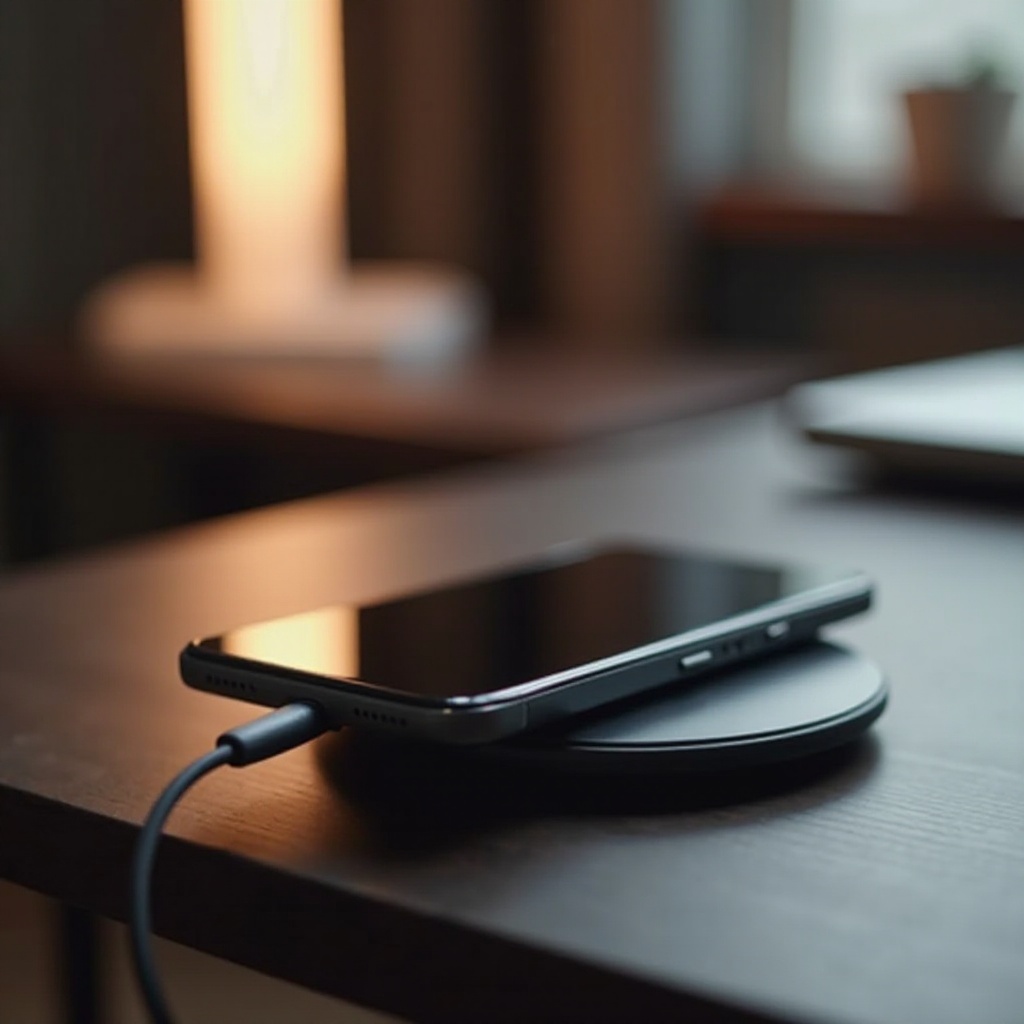
- Wireless Charging: If compatible with your model, a wireless charger might circumvent wire or port-related issues.
- Use Portable Power Banks: Different power sources can highlight if external factors influence charging performance.
Such comprehensive troubleshooting can often resolve complex issues and ensure your device charges efficiently. Equally, preventive strategies play an essential role in maintaining device stability.
Preventing Future Charging Issues
Regular maintenance and conscientious handling of your device and accessories can largely forestall charging issues:
- Consistent Port Cleaning: Regularly remove debris from the charging port with a non-metallic tool.
- Opt for Certified Accessories: Stick to Apple-certified cables and adapters to avoid compatibility and safety issues.
- Prevent Overcharging: Disconnect your device once fully charged to avoid overheating-related damage.
- Proper Storage Methods: Avoid bending or twisting when storing your charging cable.
Adopting these practices ensures sustained device performance, curbing charging issues from arising frequently.
Conclusion
While iPhone charging dilemmas might seem challenging, a wealth of solutions awaits you. Start with fundamental troubleshooting and progress to more advanced methods to tailor your approach to specific problems. Clean devices and accredited charging accessories significantly diminish problem recurrence. By addressing charging issues proactively, not only do you extend your device’s lifespan, but you also maintain seamless connectivity within your routine.
Frequently Asked Questions
Why does my iPhone charge slowly sometimes?
Slow charging can result from using a low-wattage power adapter, a damaged cable, or many active apps consuming power. Try using a higher-capacity adapter or closing apps.
How do I know if my charging cable is faulty?
A faulty cable often shows physical damage like fraying or bent connectors. Test the cable with another device. If it doesn’t charge, replacement is likely needed.
Can non-Apple chargers harm my iPhone?
Non-certified chargers might harm your iPhone by providing inconsistent power, leading to overheating or damage. For safety and compatibility, use Apple-certified accessories.