
Introduction
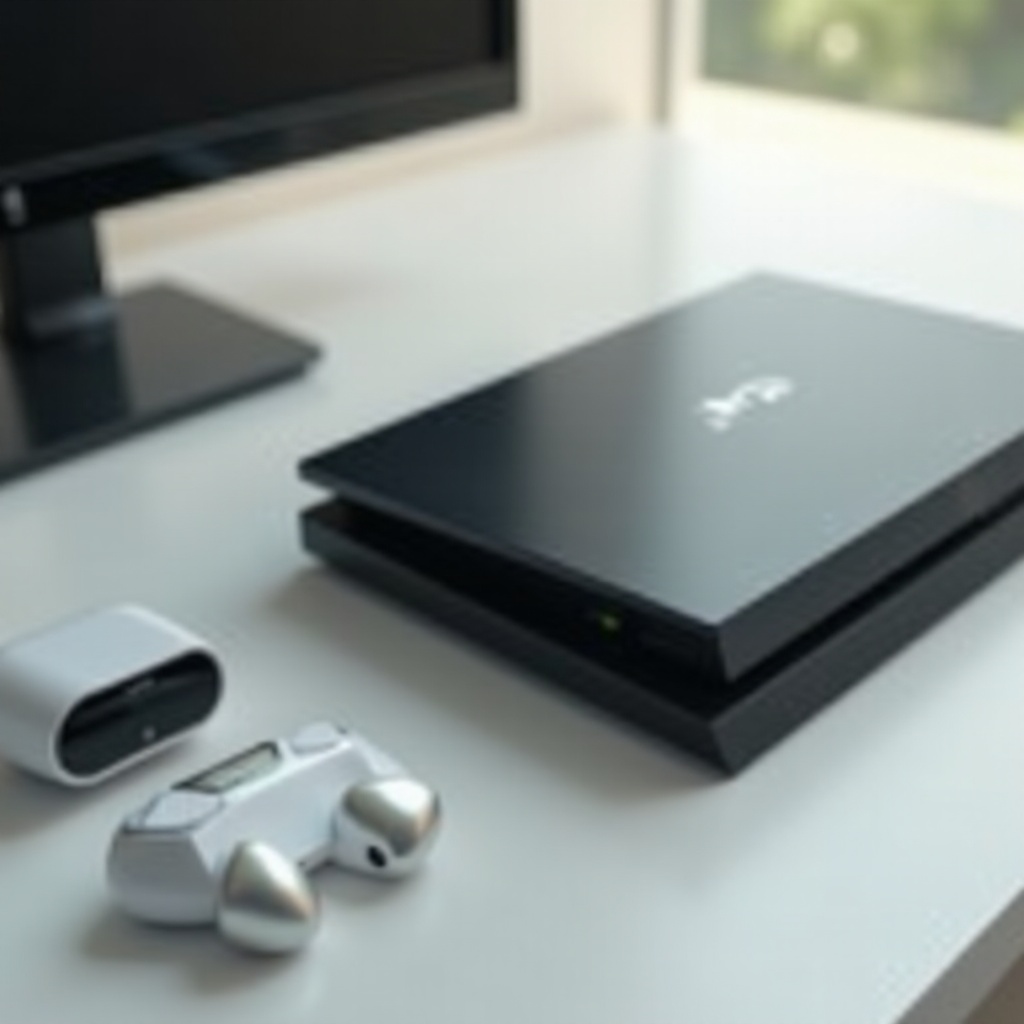
Achieving an exceptional gaming experience often involves the integration of top-notch audio devices. Enter the AirPods Max, renowned for their superior sound quality and comfort, which make them a favorite among gaming enthusiasts. However, the challenge lies in pairing these wireless headphones with the PS5, a console without native support for Bluetooth audio devices. Fear not, as this guide is here to simplify the process, ensuring you can fully enjoy your gaming adventures with unmatched audio excellence.
Understanding Compatibility
Before diving into the pairing process, it’s crucial to grasp the compatibility dynamics between your AirPods Max and PS5. While the AirPods Max boast advanced Bluetooth technology capable of delivering seamless wireless audio, the PS5 lacks built-in Bluetooth audio support. This limitation requires the use of a Bluetooth adapter to create the essential connection. Understanding this compatibility gap lays the foundation for a successful pairing experience.
Essential Tools for Pairing
Ensuring you have the necessary tools at your disposal is key to effectively pairing your devices. Here’s what you’ll need:
- A Bluetooth adapter compatible with the PS5: This device bridges the connection between your console and headphones.
- Updated software: Keep both your AirPods Max and PS5 firmware updated to avoid potential disruptions.
With these tools in hand, you’re ready to embark on the pairing journey, bridging the connectivity gap between AirPods Max and PS5.
Step-by-Step Pairing Guide
Connecting your AirPods Max to your PS5 can be straightforward if you follow these steps:
- Connect the Bluetooth Adapter: Insert your Bluetooth device into the PS5’s USB port. This adapter facilitates the pairing process.
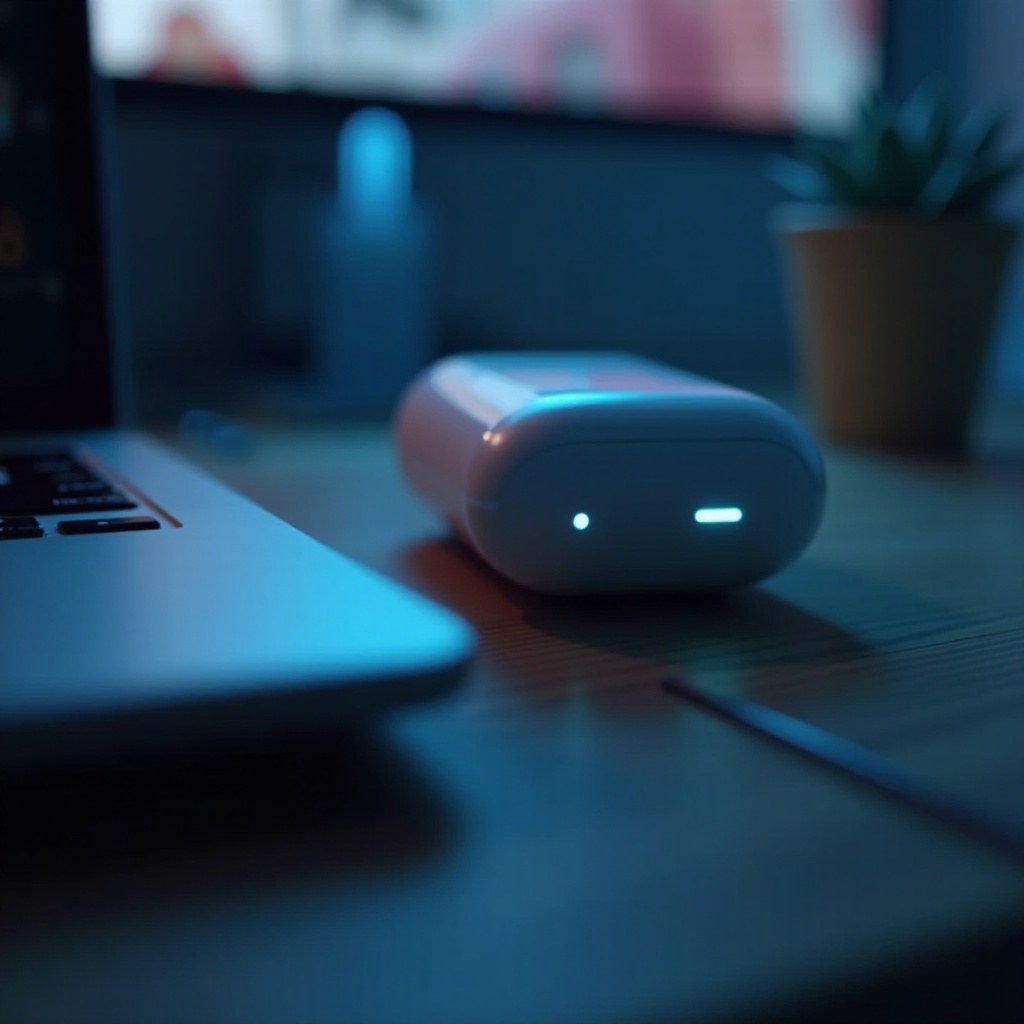
- Activate Pairing Mode on AirPods Max: Disconnect your AirPods Max from other devices. Press and hold the noise control button until the status light flashes white, indicating readiness for pairing.
- Enable Pairing on the Adapter: Trigger the adapter’s pairing mode by following the manufacturer’s instructions.
- Complete the Pairing Process: Your AirPods Max should appear on the adapter’s device list. Select and pair them to complete the process.
Now that your devices are connected, it’s time to address common issues that might arise.
Troubleshooting Common Issues
Despite meticulous preparation, occasional issues may surface. Addressing these promptly ensures continuous enjoyment:
- Connection Problems: Ensure your AirPods Max are in pairing mode. Double-check if the adapter is actively searching for devices.
- Audio Quality Concerns: Verify the adapter’s compatibility with your PS5 and the supported audio quality settings.
Resolving these issues leads to a smoother gaming experience. Let’s explore how to optimize your audio setup further.
Optimizing Your Audio Experience
With a successful connection established, enhancing your audio environment elevates your gaming sessions:
- Adjust Sound Settings on PS5: Access the PS5 audio output settings to fine-tune preferences, ensuring a balanced and immersive sound.
- Utilize Audio Enhancement Apps: Consider third-party apps offering equalizer settings for tailored audio performance that matches your gaming style.
Optimization strategies empower you to personalize your audio experience, making every gaming moment unforgettable.
Additional Tips for Gamers
Embrace these additional tips to maximize your auditory delight:
- Maintain Battery Efficiency: Charge your AirPods Max fully before extended gaming sessions to avoid interruptions.
- Facilitate Voice Chat: If voice communication is essential, ensure your Bluetooth adapter supports this feature or consider a separate microphone.
Equipped with these insights, you’re prepared for an enhanced gaming expedition with your AirPods Max and PS5.
Conclusion
By following this guide, connecting your AirPods Max to your PS5 becomes a seamless task. Equipped with the right tools and a detailed plan, you’ll unlock a high-quality audio experience that enhances every gaming session. Enjoy the immersive soundscapes and elevate your play with confidence.
Frequently Asked Questions
Can AirPods Max connect to PS5 without adapters?
No, the PS5 lacks native Bluetooth audio support, requiring an adapter for connectivity.
What are the best accessories for audio on PS5?
A quality Bluetooth adapter and possibly an external microphone for voice chat functionality with AirPods Max.
How can I improve the connection stability?
Ensure minimal obstructions and interference between your AirPods Max and the adapter, keeping them close for a strong connection.