
Introduction
Optimizing your home’s climate control starts with the essentials, such as a properly calibrated Ecobee thermostat. These smart thermostats offer precise climate control, yet their effectiveness hinges on accurate calibration. When correct, your Ecobee thermostat not only ensures comfort but also maximizes energy efficiency and cost savings. Our comprehensive guide walks you through the necessary steps to achieve optimal performance from your Ecobee thermostat.
Understanding Ecobee Thermostats
Ecobee thermostats are recognized for their advanced technology and ease of use. These devices do more than just regulate temperature—they provide energy insights, remote monitoring, and smart device integration, allowing seamless interaction with the rest of your smart home products. At the heart of these features lies the need for precise calibration to ensure your thermostat’s readings and settings are accurately reflected throughout your home. This understanding is the first step toward ensuring your home is both energy-efficient and comfortable.
Why Calibration Matters for Your Ecobee Thermostat
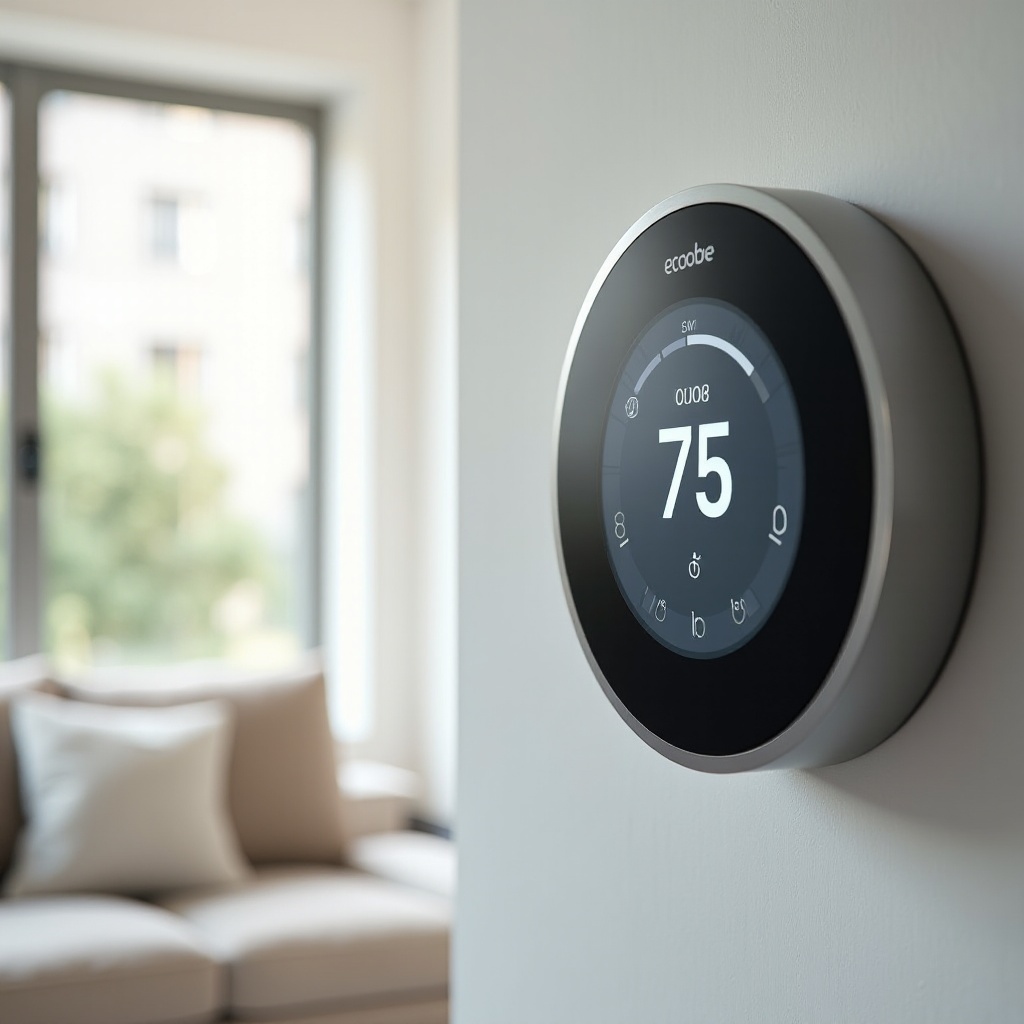
The exactness in calibration directly impacts the accuracy of your thermostat’s temperature readings and its performance. When a thermostat is not calibrated, it can lead to uneven heating or cooling within your home, often resulting in uncomfortable temperature fluctuations and higher utility bills. Proper calibration, on the other hand, stabilizes your home’s climate, promotes HVAC system longevity, and reduces unnecessary energy consumption. Furthermore, a well-calibrated thermostat communicates effectively with your entire smart home system to optimize energy savings and ensure maximum user comfort.
A Step-by-Step Guide to Calibrating Your Ecobee Thermostat
To achieve precise calibration of your Ecobee thermostat, follow these structured steps:
- Initial Setup and Positioning
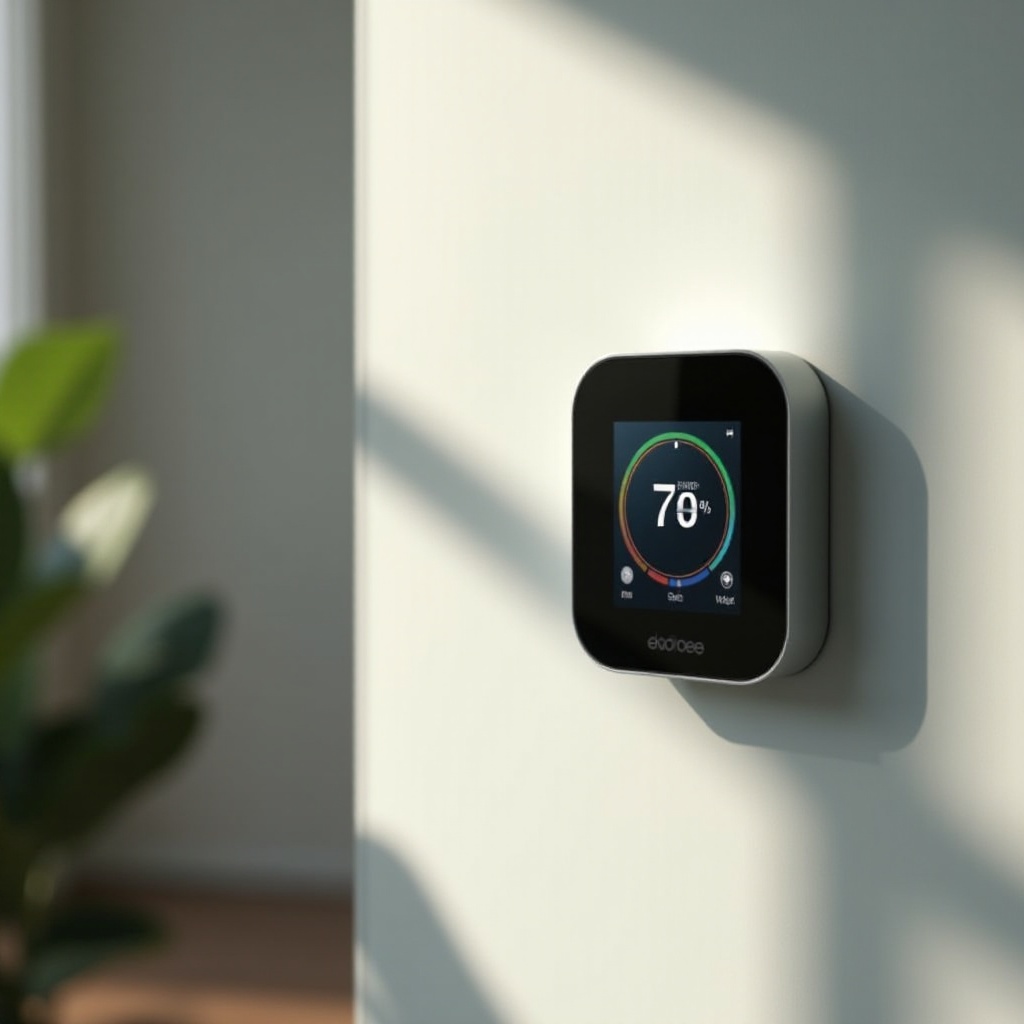
- Install your thermostat away from direct sunlight, drafts, or heat sources to prevent skewed temperature readings.
-
Position the thermostat centrally within your home for overall balanced temperature detection.
-
Accessing Calibration Settings
- On the Ecobee thermostat display, navigate to ‘Settings’.
-
Select ‘Installation Settings’, followed by ‘Thresholds’, and then access the ‘Temperature Correction’ section.
-
Adjusting Temperature Sensors
- Use a reliable external thermometer to check the actual room temperature.
-
Adjust the calibration setting accordingly until the thermostat reading matches that of the thermometer. Make adjustments in small increments and monitor changes.
-
Verification and Testing
- Allow your thermostat to settle for several hours and observe the temperature consistency across different rooms.
- If discrepancies persist, repeat the calibration adjustments as required to ensure precision.
Once your Ecobee thermostat is calibrated, maintaining it involves periodical checks, especially when you perceive any anomalies in temperature readings. Calibration isn’t static; it may require adjustments as your home’s layout or usage evolves.
Troubleshooting Common Calibration Issues
Even with proper calibration, issues can occasionally arise that undermine your thermostat’s efficiency. Understanding and quickly resolving these issues ensures uninterrupted optimal performance.
- Incorrect Temperature Readings
- Confirm the thermostat isn’t positioned in a location that might affect its readings, such as near windows where direct sunlight could alter the perceived temperature.
-
Regularly cross-verify the thermostat’s readings with an external thermometer to ensure accuracy.
-
Connectivity Problems and Solutions
- Monitor your Wi-Fi connections to ensure continuous communication between your Ecobee thermostat and other smart devices.
- Keep your thermostat’s firmware up to date, as updates can resolve connectivity bugs.
- In the event of control lags or connectivity issues, restarting your thermostat’s system often resolves these glitches.
Addressing these challenges as they arise can prevent them from negatively influencing your overall home climate management.
Advanced Tips for Optimizing Your Ecobee Thermostat
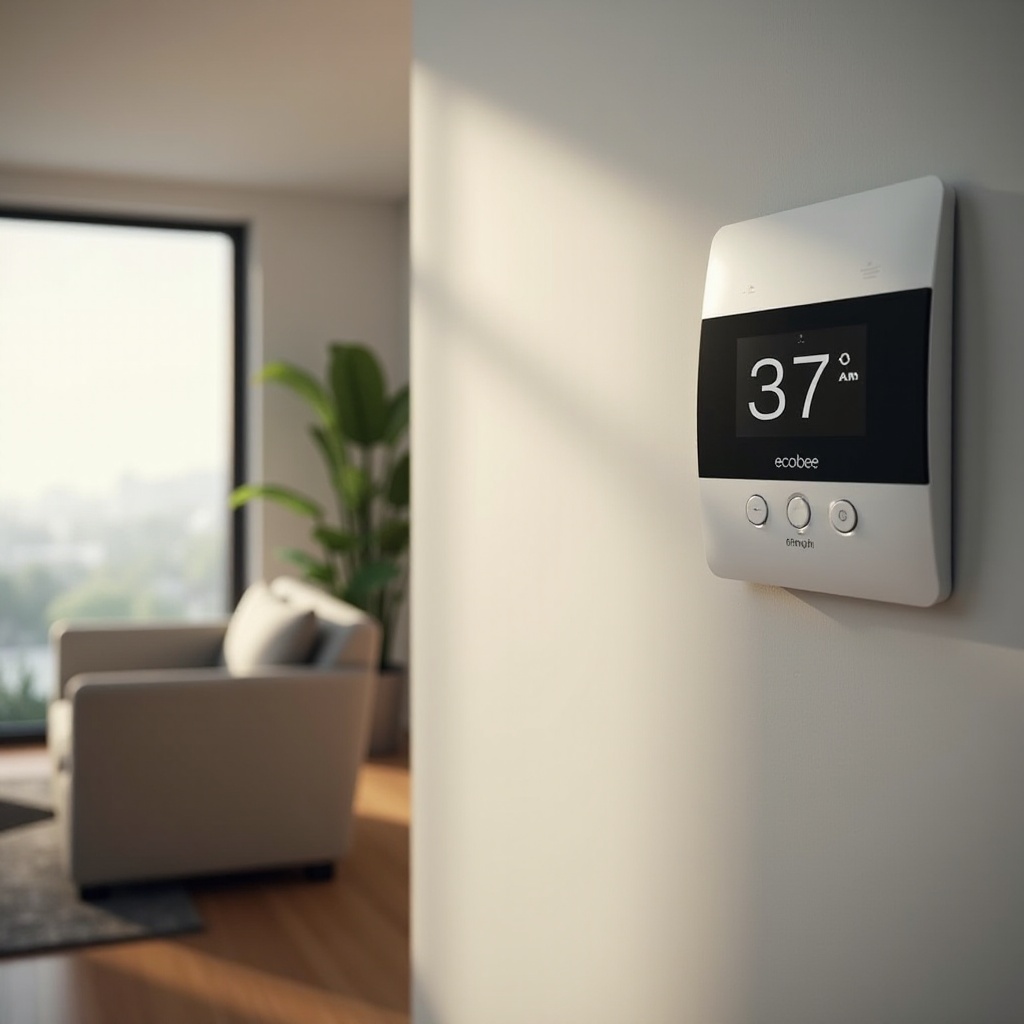
Once you have perfected the calibration, consider leveraging other advanced features to enhance your Ecobee thermostat:
- Using Additional Sensors Effectively
-
Deploy additional room sensors in frequently used areas to monitor and adjust temperatures accordingly for a balanced environment.
-
Integrating with Smart Home Systems
- Synchronize your Ecobee thermostat with voice-activated systems like Alexa or Google Assistant for hands-free operation.
- Develop smart routines and schedules to adjust temperatures based on daily patterns and occupancy to further drive energy savings.
Maximizing the potential of these advanced features sets the stage for an interconnected and highly efficient smart home.
Conclusion
Calibrating your Ecobee thermostat perfectly is crucial in unlocking its full potential, leading to an efficient and comfortable home environment. By following this guide, you are equipped to address calibration issues and optimize your thermostat settings for better energy management. Enjoy a seamless smart home experience with a well-calibrated Ecobee thermostat.
Frequently Asked Questions
How often should I calibrate my Ecobee thermostat?
Calibrate your Ecobee thermostat seasonally or whenever you notice inconsistent temperature readings to maintain optimal performance.
Can I calibrate my Ecobee thermostat using the app?
Yes, the Ecobee app allows you to adjust thermostat settings. Navigate to ‘Settings’ to access temperature correction features.
What are common signs that my Ecobee thermostat needs recalibration?
Inconsistent room temperatures, a spike in energy bills, or frequent HVAC cycling indicate your thermostat may need recalibration.