
Introduction
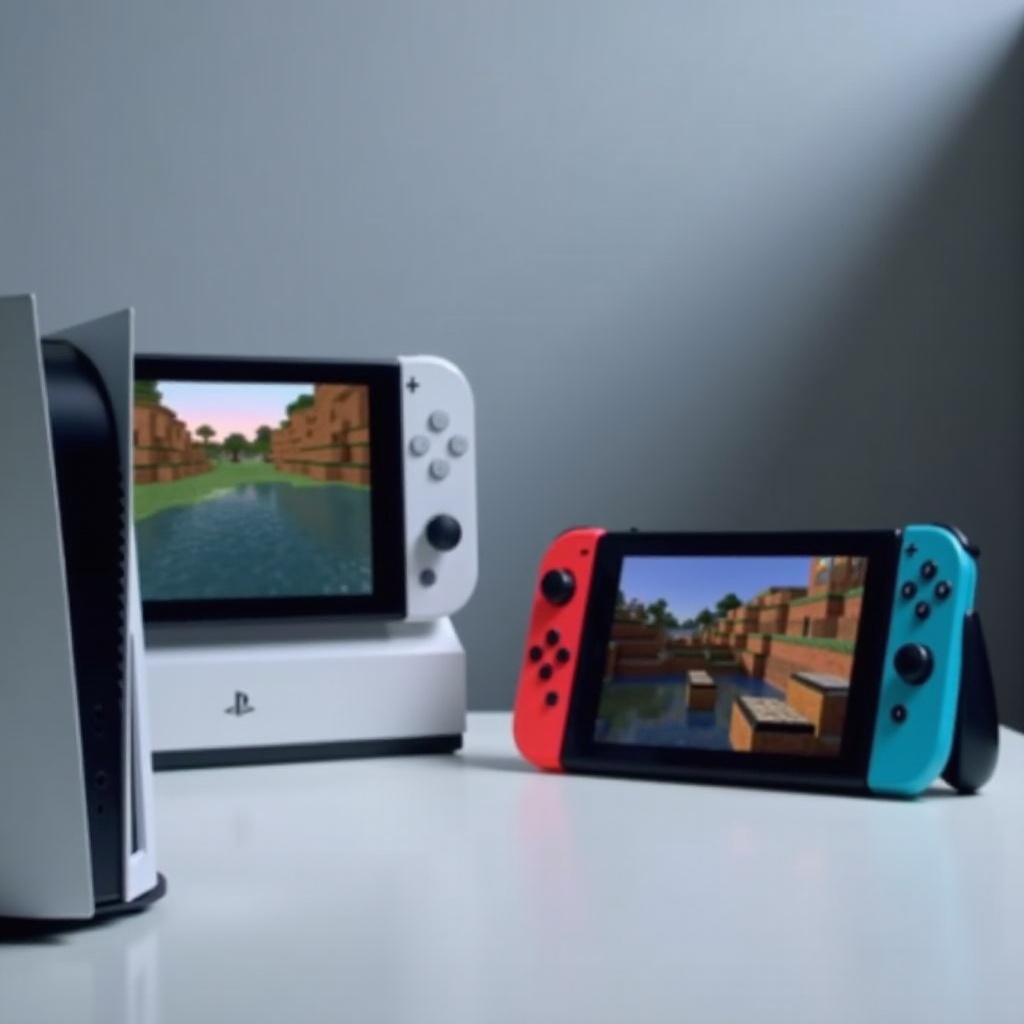
Minecraft enthusiasts who own multiple consoles often ask, ‘Can PS5 Minecraft play with Switch?’ This topic is vital for players eager to connect with friends across different platforms. The demand for seamless gameplay that transitions across consoles has grown, and cross-platform gaming is the bridge that closes this gap. This guide will delve into Minecraft’s cross-platform capabilities and provide practical steps to enable PS5 and Switch players to explore blocky worlds together.
Understanding Minecraft’s Cross-Platform Play
Minecraft is a frontrunner in cross-platform compatibility. With the Bedrock Edition, players can connect seamlessly across systems including Windows, Xbox, PlayStation, and Nintendo Switch. This version of Minecraft enables interconnectivity regardless of the device, promoting a unified gaming community.
The developers have made significant strides in ensuring that players from various platforms can engage, build, and enjoy the game together without being hindered by device limitations. However, achieving this level of seamless integration involves specific setup processes and compatibility considerations, which we will explore next.
Compatibility of PS5 and Nintendo Switch for Minecraft
The PS5 and Nintendo Switch both support the Bedrock Edition of Minecraft, which is crucial for cross-platform play. This version includes additional features and performance improvements that allow for smooth interaction between different consoles.
For PS5 users, ensuring the game is fully updated is essential to access the latest features and maintain compatibility across platforms. On the other hand, Nintendo Switch users can obtain the Bedrock Edition via the Nintendo eShop. With both consoles supporting this version, connecting a PS5 to a Switch becomes straightforward and enhances the gaming experience.
Setting Up Cross-Platform Play Between PS5 and Switch
Connecting your PS5 and Switch for Minecraft cross-platform play involves several steps.
- Preparing Your Consoles and Accounts
- Download and install Minecraft Bedrock Edition on both PS5 and the Nintendo Switch.
- Ensure each console’s system software is updated to the latest version.
-
Have an active Microsoft account, required for linking across platforms.
-
Step-by-Step Guide to Enabling Cross-Platform Play
- Launch Minecraft on both consoles.
- Log into your Microsoft account on each device. Create an account on Microsoft’s website if needed.
- On PS5, go to the main menu and select ‘Play,’ then choose ‘Friends’ and opt to ‘Find Cross-Platform Friends.’ Repeat this process on your Switch.
- Use your friends’ Xbox Gamertag to send friend requests and connect.
- Accept friend requests and join each other’s games directly from the Friends tab.
Completing these steps unlocks the potential for a unified experience, enabling adventures no matter which console is available. Now, let’s assess the benefits and challenges of this feature.
Benefits and Drawbacks of Cross-Platform Play
Cross-platform play has broadened the gaming landscape, allowing uninterrupted interaction across different hardware.
- Advantages for Gamers
- Connect with friends and family across various consoles, enhancing community interaction.
- Enjoy increased flexibility and convenience, eliminating previous constraints.
-
Experience a larger player base, which improves matchmaking and the overall entertainment value.
-
Potential Challenges and Solutions
- Connectivity Issues: Problems may arise due to varying internet speeds or server issues. Regular updates and using a wired internet connection can reduce these problems.
- Performance Differences: The Switch and PS5 differ in processing power. Adjusting in-game graphics settings on the Switch may improve compatibility.
- Voice Chat Compatibility: In-game voice chat can be problematic. Third-party applications like Discord offer a more stable communication channel.
Being aware of these benefits and challenges allows gamers to optimize their setup and minimize potential frustrations, leading to a smoother gaming experience. Let’s move on to discussing ways to further enhance your Minecraft interactions.
Enhancing Your Minecraft Experience on PS5 and Switch
To maximize the cross-platform play experience, consider these enhancements:
- Utilize texture packs and mods available for the Bedrock Edition to customize and improve your gaming environment.
- Enable parental controls and privacy settings to ensure a safe and secure gaming experience for younger players.
- Regularly explore community features like shared servers and multiplayer games to diversify engagements and enjoy a broader range of play styles.
Implementing these suggestions will ensure a rich and fulfilling gameplay experience, fostering creativity and connectivity across platforms.
Conclusion
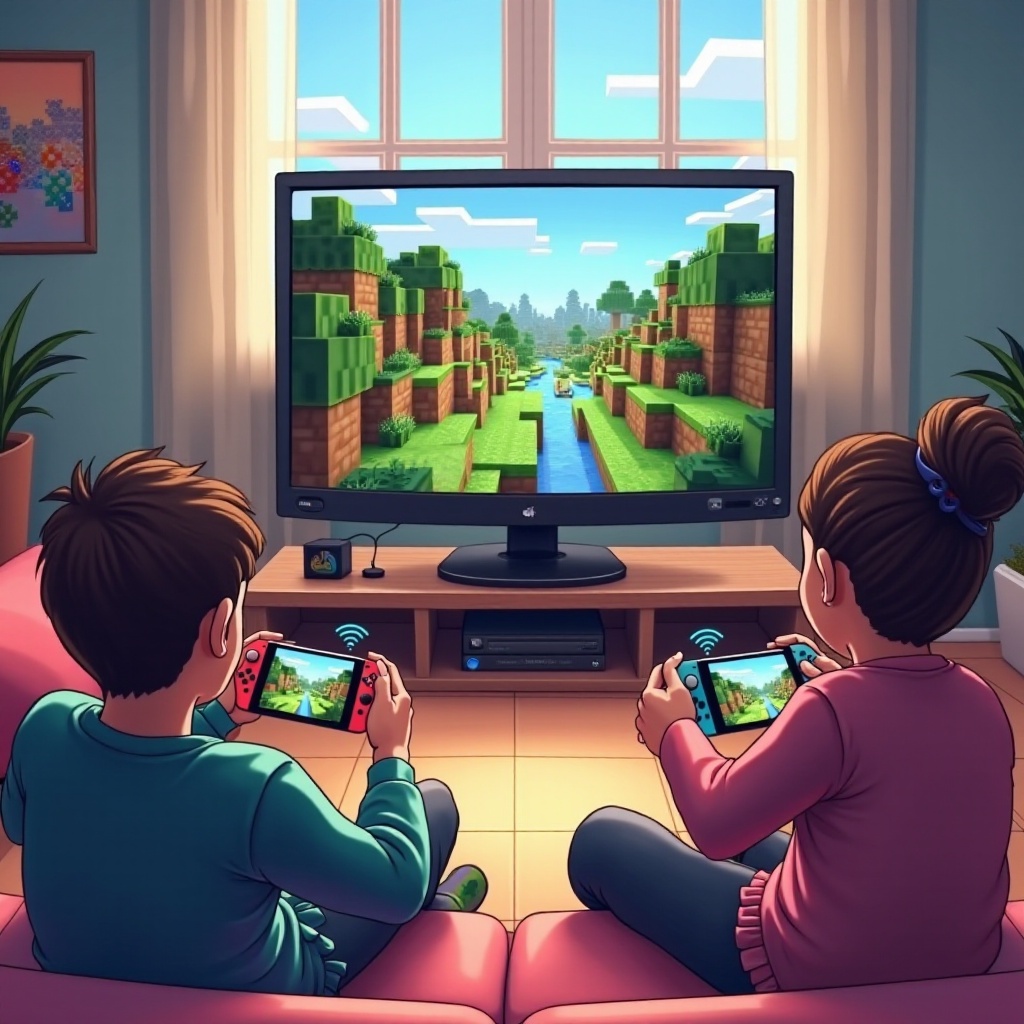
Cross-platform gaming on Minecraft has revolutionized how players connect, share, and engage with digital worlds, irrespective of their console choice. By following this guide, PS5 and Switch users can surpass traditional barriers, merging technology with community to enhance their gaming adventures. As the gaming landscape evolves, Minecraft continues to lead in creating interconnected play experiences.
Frequently Asked Questions
Can PS5 and Switch Minecraft players communicate via voice chat?
Yes, but in-game voice chat can be unreliable. Using third-party apps like Discord provides better communication.
Do I need a Microsoft account to play Minecraft cross-platform?
Yes, a Microsoft account is required to link your gaming profiles and progress across platforms.
How do I troubleshoot connectivity issues in cross-platform play?
Ensure systems are updated, use a wired internet connection, and check for server maintenance announcements.